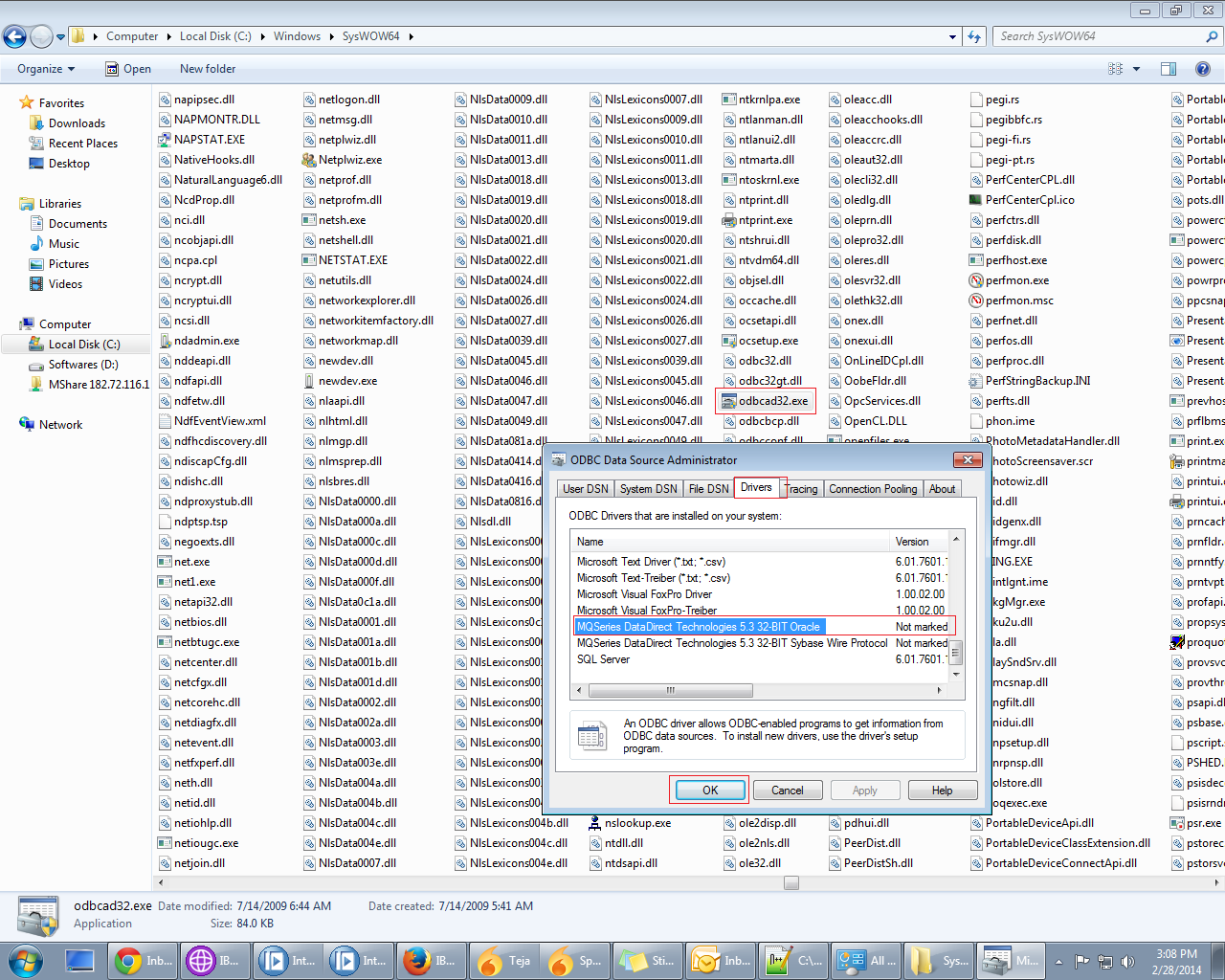
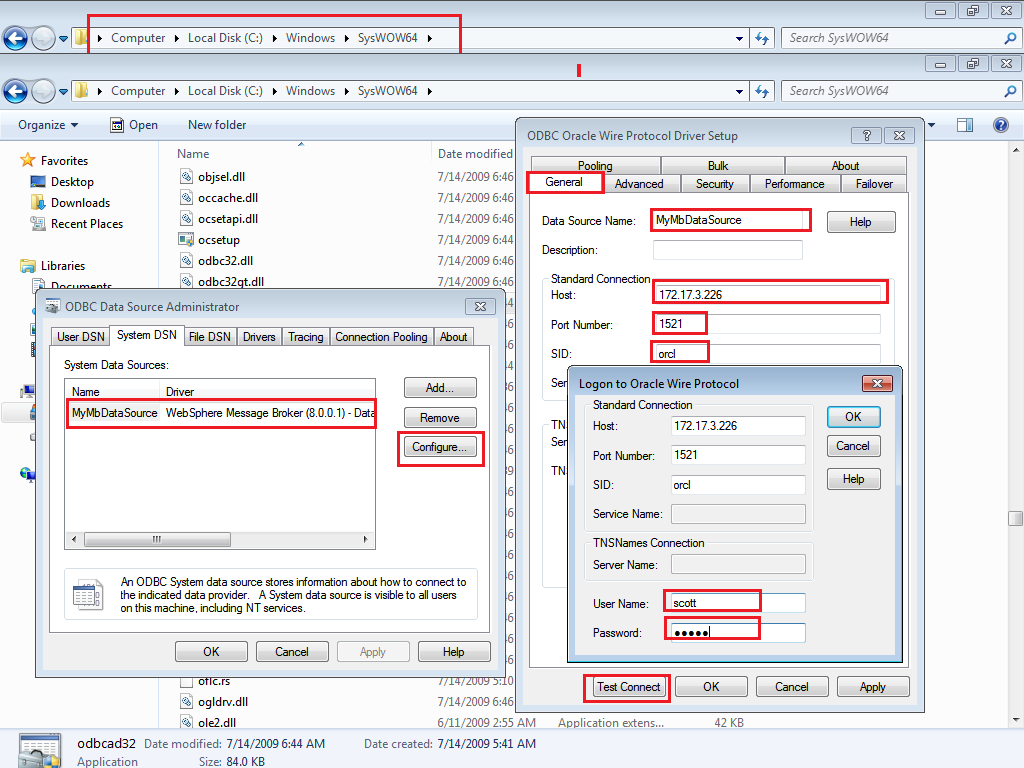
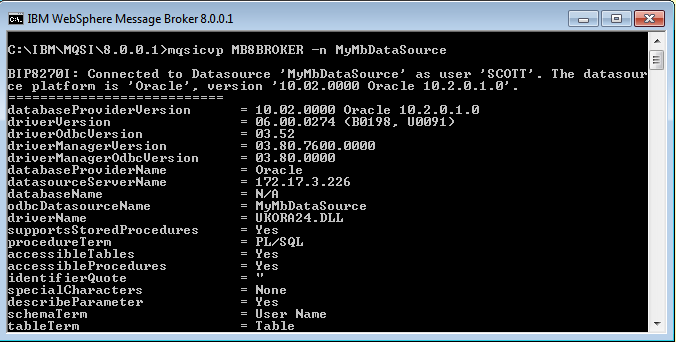
-Use the Database node to interact with a database in the specified ODBC data source.
You can use specialized forms of this node to:
- Update values within a database table (the DataUpdate node)
- Insert rows into a database table (the DataInsert node)
- Delete rows from a database table (the DataDelete node)
- Store the message, or parts of the message, in a warehouse (the Warehouse node)
DataBase Interaction With DataBaseRetrieve Node :
- Use the DatabaseRetrieve node to ensure that information in a message is up to date.
- Use the DatabaseRetrieve node to modify a message using information from a database. For example, you can add information to a message using a key that is contained in a message; the key can be an account number(Select Query Elements & DataElements).
- The DatabaseRetrieve node looks up values from a database and stores them as elements in the outgoing message assembly trees. The type of information that is obtained from the database in the form of output column values, which is acquired and passed back in the result set from SQL queries, is converted first into a matching Java type, then into an internal message element value type when it is finally stored in a location in am outgoing message assembly tree. If a message element already exists in the outgoing message tree, the new value overwrites the old value. If the target element does not exist, it is created, and the value is stored.
- Uses specified Configurable Service Name as a Data Source Name.
- Run mqsisetdbparms command if the Configurable service is newly created.
- Use the DatabaseRoute node to route messages using information from a database in conjunction with XPath expressions.
- The DatabaseRoute node uses a collection of named column values from a selected database row and synchronously applies one or more XPath expressions to these acquired values to make routing decisions.
- Uses specified Configurable Service Name as a Data Source Name.
- Run mqsisetdbparms command if the Configurable service is newly created.